Moving House, Not Motherboard: A UK Guide to Relocating Your Gaming PC
Photo: North Charleston from North Charleston, SC, United States, CC BY-SA 2.0, via Wikimedia Commons
Moving house is stressful enough without hearing something rattle inside a £1,500 tower as you reverse off the driveway. A desktop PC is a heavy box full of levers: the graphics card is a cantilever, a tall air cooler is a pendulum, and the case itself is 10–15kg of glass and steel. The fix is not brute force. It is a packing order.
This is the Megaport Move: a practical UK checklist for getting a gaming PC into a car, onto a train or into a courier’s van without turning it into a very expensive doorstop.
Before you touch a screwdriver
Back up anything important. Photograph the inside of the case and the cable routing. Find the original box if you kept it — and yes, this is the moment you are allowed to feel smug about the loft. If not, get a double-wall cardboard box, bubble wrap, packing tape, anti-static bags and foam. Check your contents insurance and, if using a courier, read the exclusions for computer equipment.
The packing order that works
- Shut down and unplug. Hold the power button for a few seconds to drain the board, then wait a minute.
- Photograph everything. Interior, rear ports, cable ties. It saves guesswork later.
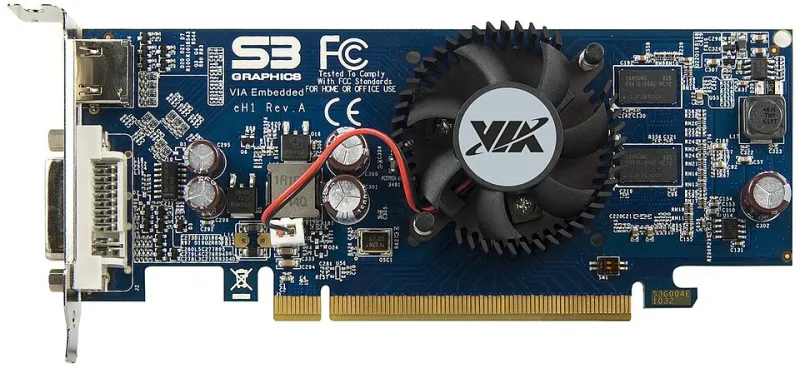
- Remove the GPU. Undo the bracket screws, press the PCIe latch and pull the card straight out. Bag it and box it separately.
- Deal with the CPU cooler. A tall air cooler should come off if you still have the box, or be braced with foam. Do not stuff bubble wrap against bare PCB or fans.
- Remove mechanical hard drives. M.2 drives can stay. Label SATA cables if you unplug them.
- Pad the interior. Fill empty space with anti-static foam or bubble wrap, but keep pressure off fans and connectors.
- Close and tape the panels. Use painter’s tape, not parcel tape on glass.
- Box the tower. Original packaging first; otherwise double-box with at least 5cm of padding on every side. Label it fragile and this way up.
Car, train or courier?
By car
Lay the boxed tower on its side in the footwell or boot, with a blanket underneath. Wedge it so it cannot slide. If it rides on a seat, use the seatbelt. Do not balance it on the parcel shelf or let it lean against a door.
By train
Use a hard-shell suitcase or a proper flight case, and keep it with you. Avoid rush hour if you can. Use lifts, not escalators, and do not put it in the overhead rack where it can be pulled out by someone else’s bag. A desktop on a train is not a crime, but it is a conversation starter.
By courier
Use a courier that will insure computer equipment, declare the full replacement value and photograph the packed box before sealing. Double-box it, use a signature service and keep the receipt. Cheap couriers often exclude fragile electronics or cap claims at a fraction of the value. If the tower is worth more than the excess, read the small print twice.
The Victorian-terrace staircase problem
Narrow stairs, a tight turn and a handrail that has been there since 1890 are the classic UK moving-day obstacle. Measure the turn before you lift. Clear the route. Use two people and carry the box by the base, not the front panel. If the case is still loose, move it in its box. Take the door off if it helps. Do not attempt a heroic solo lift after six hours of carrying boxes.
Arrival checklist
Let the PC acclimatise for two or three hours if it has been in a cold van. Inspect the box for crush damage. Open the case, check the cooler and reseat the GPU. Plug in, boot and check temperatures. Run a short stress test before you trust it with an important game update.
The Megaport Move is not glamorous, but it works. Pack the heavy bits separately, pad the inside, insure the outside and carry it like it cost you a month’s rent — because it probably did.